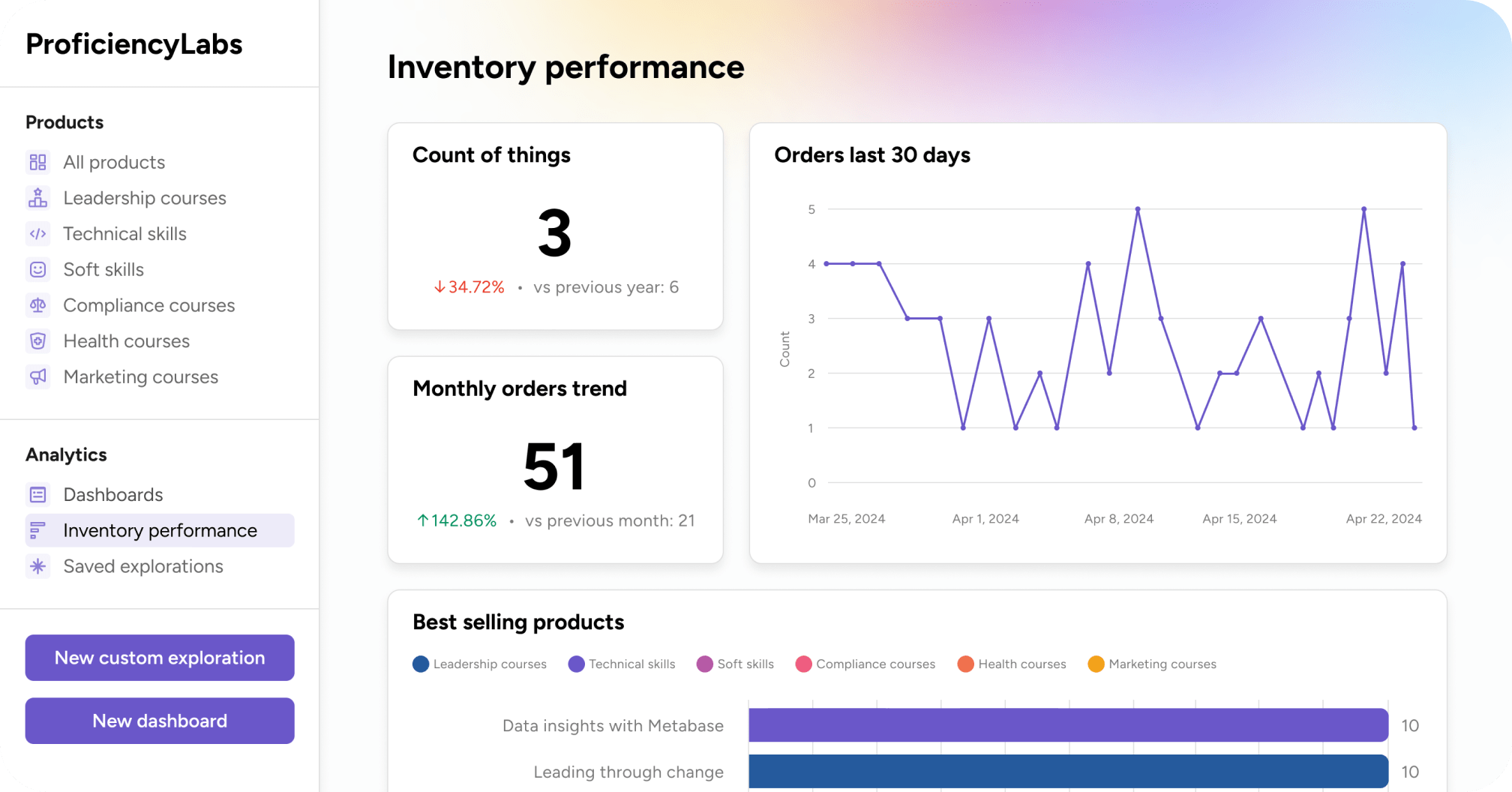
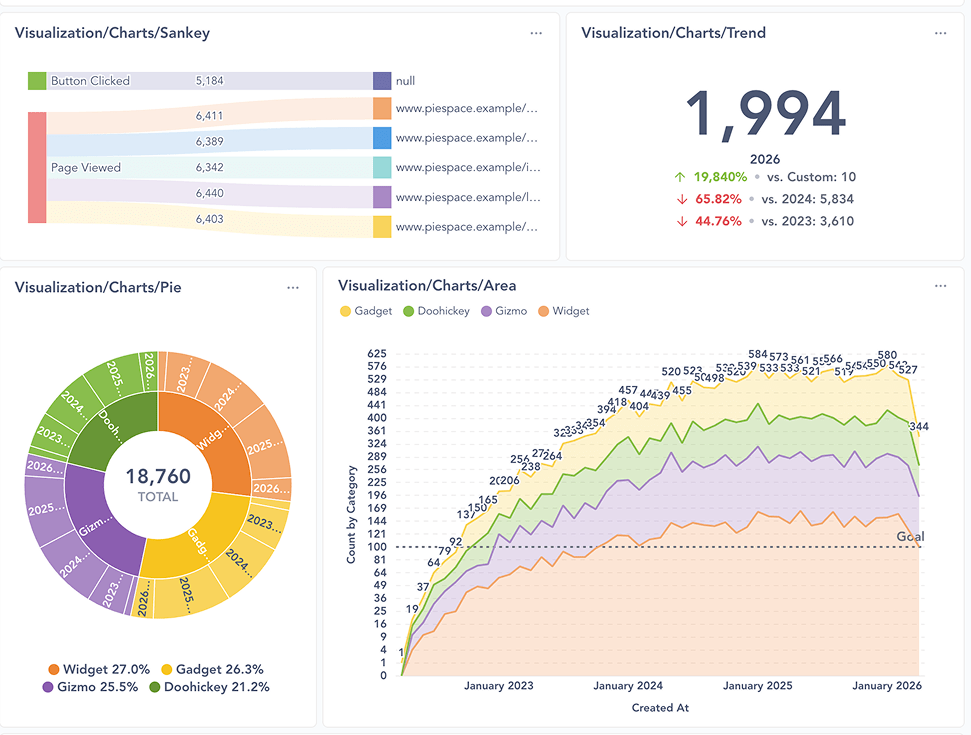
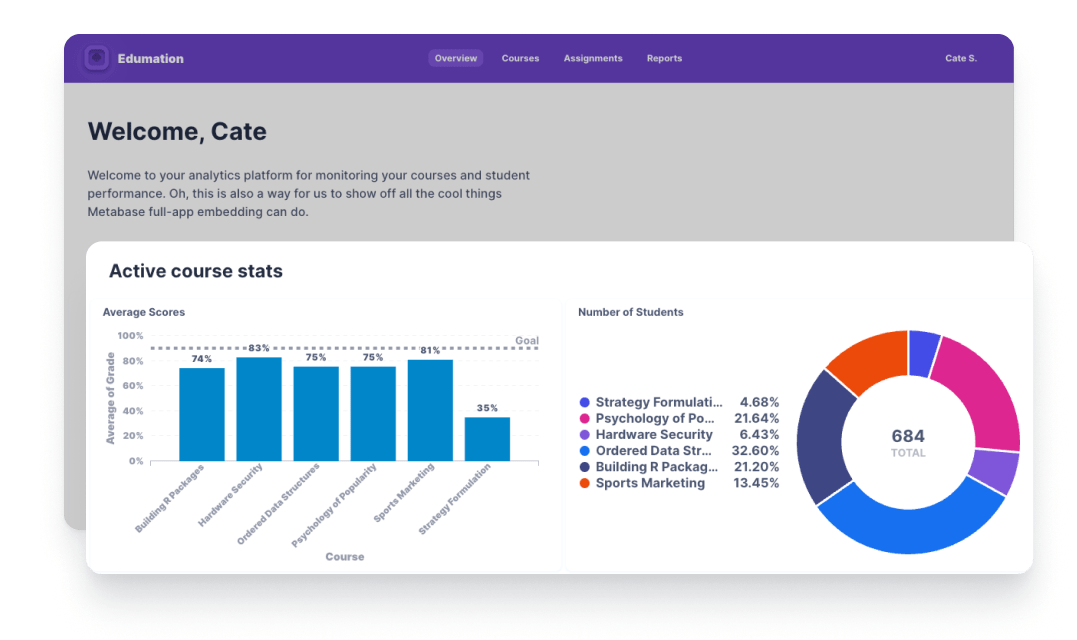
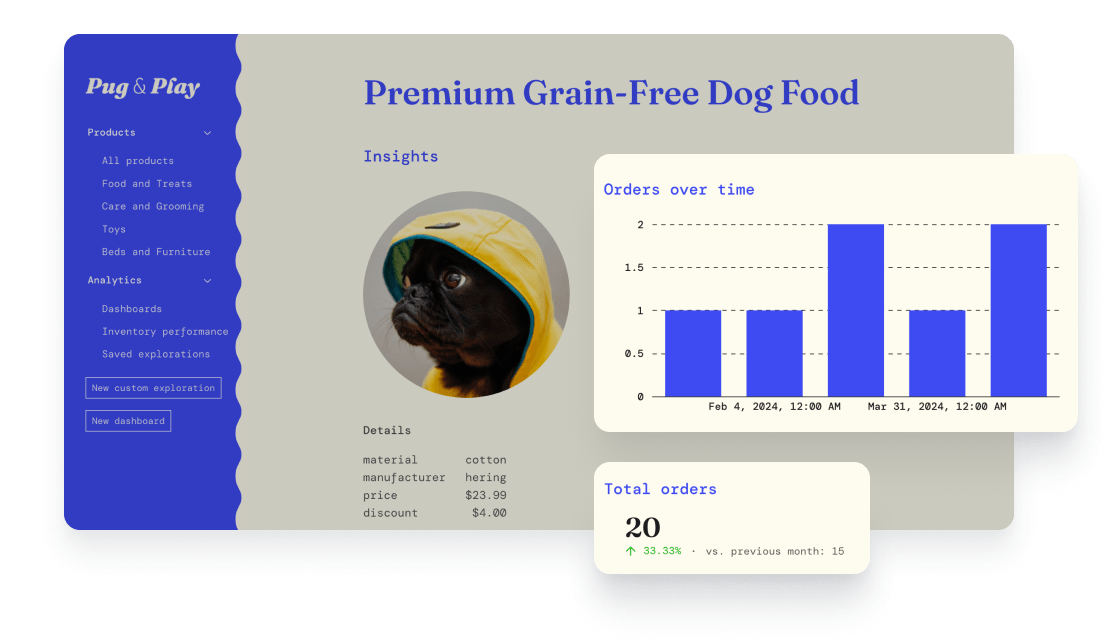
此 React 工具包可实现应用内报告,它在外观、功能和感受上都像是您应用的一部分。您可以完全控制,无需复杂的开发即可快速原型化、风格化并发布复杂的分析。
npx @metabase/embedding-sdk-react@latest start
确保客户只能看到他们需要看到的内容。您的数据永远不会离开您的服务器。
安装 SDK,快速嵌入您的第一个图表。随着需求的增长,构建更高级的分析。
面向开发者的工具和专家支持,确保集成过程按您的计划进行。






嵌入独立的组件 — 从单个图表到查询生成器 — 使它们与您的产品融为一体。像素级精确的布局,没有固定的宽度或高度,可适应响应式设计。您可以覆盖菜单、重新排列字段、移动按钮以及布局组件以适应您的 UI。

import {
  MetabaseProvider,
  InteractiveQuestion,
  defineEmbeddingSdkConfig
} from "@metabase/embedding-sdk-react";

const config = defineEmbeddingSdkConfig({
  metabaseInstanceUrl: "https://metabase.example.com", // Required: Your Metabase instance URL
  authProviderUri: "https://app.example.com/sso/metabase", // Required: An endpoint in your app that signs the user in and returns a session
});

<MetabaseProvider config={config}>
  <InteractiveQuestion
    questionId={questionId}
    isSaveEnabled={false}
    withResetButton={true}
    customTitle="Orders over time"
  />
</MetabaseProvider>
为每个组件设置样式,以匹配您应用的外观和感觉。自定义字体、背景颜色、工具提示、阴影等。可以为每个组织、团队甚至每个用户应用不同的样式。


const metabase: MetabaseTheme = {
  fontFamily: "Inter",
  fontSize: "14px",
  colors: {
    brand: colors.primary,
    "brand-hover": colors.darkGrey,
    "brand-hover-light": colors.darkGrey,
    filter: colors.filter,
    "text-primary": colors.lighterGrey,
    "text-secondary": colors.lighterGrey,
    "text-tertiary": colors.lighterGrey,
    border: colors.darkGrey,
    background: colors.background,
    "background-secondary": colors.darkGrey,
    "background-hover": colors.background,
    "background-disabled": colors.darkGrey,
    charts: [
      colors.primary,
      colors.filter,
      "#ED6A5A",
      "#FED18C",
      "#82A74B",
      "#FF8D69",
      "#ED6A5A",
      "#FED18C",
    ],
    positive: "#45DF4C",
    negative: "#FF3389",
  },
  components: {
    cartesian: {
      padding: "6px 16px",
    },
    dashboard: {
      card: {
        border: `"1px solid ${colors.darkGrey}"`,
        backgroundColor: "#212426",
      },
    },
    number: {
      value: {
        fontSize: "18px",
        lineHeight: "22px",
      },
    },
    popover: {
      zIndex: 201,
    },
  },
};
const metabase: MetabaseTheme = {
  fontFamily: "Arsenal",
  fontSize: "14px",
  colors: {
    brand: colors.primary,
    "brand-hover": "#fff",
    "brand-hover-light": "#fff",
    filter: colors.viz1,
    summarize: "#BE54C0",
    "text-primary": colors.green3,
    "text-secondary": colors.green3,
    "text-tertiary": colors.green3,
    border: colors.green1,
    background: colors.background,
    "background-secondary": colors.background,
    "background-hover": colors.background,
    "background-disabled": colors.green2,
    charts: [
      colors.viz1,
      "#E09862",
      "#BE54C0",
      "#DDA51F",
      "#B34332",
      "#4998E3",
      "#BE54C0",
      "#DDA51F",
    ],
    positive: colors.green3,
    negative: "#B34332",
    shadow: "rgba(0, 0, 0, 0.1)",
  },
  components: {
    cartesian: {
      padding: "6px 16px",
    },
    dashboard: {
      backgroundColor: "transparent",
    },
    number: {
      value: {
        fontSize: "36px",
        lineHeight: "36px",
      },
    },
    popover: {
      zIndex: 201,
    },
  },
};
const metabase: MetabaseTheme = {
  fontFamily: "DM Mono",
  fontSize: "14px",
  colors: {
    brand: colors.primary,
    filter: colors.secondary,
    "text-primary": colors.darkGrey,
    "text-secondary": colors.lightGrey,
    "text-tertiary": colors.lightGrey,
    border: "#3B3F3F",
    background: colors.background,
    "background-hover": "#FCFAF1",
    "background-disabled": colors.lighterGrey,
    charts: [
      colors.primary,
      colors.negative,
      "#ECB405",
      "#BD37C9",
      colors.positive,
      "#545455",
      colors.primary,
      colors.negative,
    ],
    positive: colors.positive,
    negative: colors.negative,
  },
  components: {
    cartesian: {
      padding: "6px 16px",
    },
    dashboard: {
      card: {
        border: "1px solid var(--mantine-color-gray-3)",
      },
    },
    number: {
      value: {
        fontSize: "24px",
        lineHeight: "30px",
      },
    },
    popover: {
      zIndex: 201,
    },
  },
};
在大规模定义数据发现的权限和交互式工具。让某些人拥有只读访问权限。有些人可以在图表上进行钻取而不保存。其他人可以获得完全访问权限,创建、修改和保存问题,创建仪表板等。


switch(currentUser.role) {
  case curator: {
    return (
      <MetabaseProvider config={config} theme={theme}>
        <InteractiveQuestion questionId={questionId} />
      </MetabaseProvider>
    );
    break;
  }
  default: {
    <MetabaseProvider config={config} theme={theme}>
      <StaticQuestion questionId={questionId} />
    </MetabaseProvider>
  }
}
return <GuestGreeting />;
switch (currentUser.role) {
  case (curator): {
    return (
      <MetabaseProvider config={config} theme={theme}>
        <InteractiveQuestion questionId={questionId} />
      </MetabaseProvider>
    );
  }
  default: {
    return (
      <MetabaseProvider config={config} theme={theme}>
        <StaticQuestion questionId={questionId} />
      </MetabaseProvider>
    )
  }
}

return <GuestGreeting />;
客户使用 SDK 快速交付自定义分析的真实成果。

Marketfuel 需要紧密集成的分析,以在其电子商务平台中保持品牌体验。使用嵌入式分析 SDK,他们在不到一个月的时间内就与一名开发者完成了概念验证。
“使用 Metabase 对我们来说是一次改变游戏规则的体验。它使我们能够专注于我们最擅长的事情,而无需重新发明分析,从而节省了我们的时间和资源。”
了解 Marketfuel 如何通过 SDK 将报告构建到他们的产品中
Owlery 需要一种解决方案,让他们的团队和客户都能创建和管理仪表板,而无需工程师的持续介入。SDK 为他们提供了将分析无缝集成到产品中的灵活性。
“我们对决定使用 SDK 非常满意。它使我们能够控制我们产品的未来发展,并为我们的客户提供最佳的分析体验。”
了解 Owlery 如何通过 SDK 更快地推向市场为每个组件自定义行为和流程,例如向菜单添加自定义操作,或彻底改造查询生成器的布局。没有任何限制。

<MetabaseProvider
  config={config}
  theme={theme}
  pluginsConfig={{
    mapQuestionClickActions: (clickActions, clicked) => {
      const nextClickActions = [...clickActions]

      // If we are drilling down on the user id, add a custom action to view the user profile.
      if (clicked.column?.name === "user_id") {
        nextClickActions.push({
          buttonType: "horizontal",
          name: "view-profile",
          section: "info",
          type: "custom",
          icon: "person",
          title: "View user profile",
          onClick: ({ closePopover }) => {
            console.log(`View Profile > user_id = ${clicked.value}`)
            closePopover()
          },
        })
      }

      return nextClickActions
    },
  }}
/>